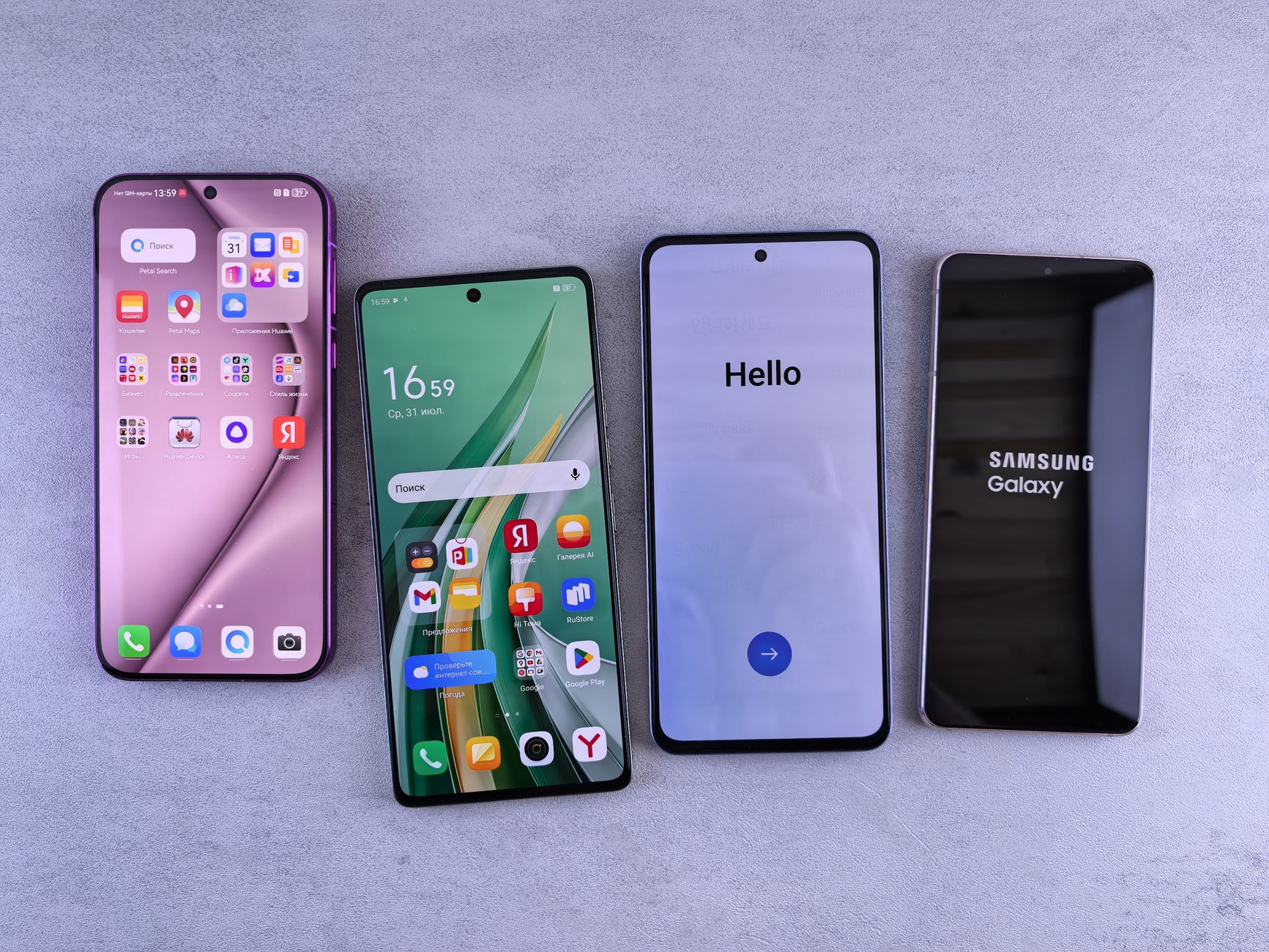
The OriginOS 7 camera update is here, bringing a host of exciting features and enhancements for vivo smartphone users. This update promises to enhance your photography experience.
What’s New in OriginOS 7 Camera Update
The latest update to OriginOS 7 brings a host of exciting features that enhance the camera experience for users. With a focus on improving photography capabilities, this update is set to elevate the way users capture moments.
One of the standout features in the OriginOS 7 camera update is the introduction of AI Scene Recognition. This intelligent system can automatically detect and optimize settings based on the scene being captured, ensuring that photos are vivid and true to life. Users will find that landscapes, portraits, and even night shots benefit greatly from this enhancement.
Additionally, the update includes a revamped Night Mode. This mode allows for clearer shots in low-light conditions, utilizing advanced algorithms to reduce noise and enhance detail. Photographers will appreciate the improved performance, making it easier to capture stunning images after dark.
- Enhanced Portrait Mode: Offers more natural skin tones and improved background blur.
- Video Features: New stabilization techniques and higher resolution options for video recording.
- Filters and Effects: A wider selection of artistic filters that can be applied in real-time.
With these new features, the OriginOS 7 camera update is undoubtedly a game-changer for photography enthusiasts looking to elevate their skills and creativity.
Key Features of the Update
The recent OriginOS 7 camera update introduces several key features that enhance the photography experience for users. These improvements not only elevate image quality but also streamline the user interface for more intuitive access to advanced functionalities.
- AI Scene Recognition: The update includes an advanced AI scene recognition system that automatically adjusts settings based on the detected scene. Whether capturing landscapes, portraits, or night shots, the camera optimizes parameters to deliver stunning results.
- Night Mode Enhancements: The Night Mode has received significant upgrades, allowing for brighter and clearer photos in low-light conditions. Users can expect reduced noise and improved detail retention, making it easier to capture moments after dark.
- Pro Mode Features: For photography enthusiasts, the new Pro Mode offers granular control over settings like ISO, shutter speed, and exposure compensation. This empowers users to take full creative liberty in their shots, resulting in professional-level images.
- Video Stabilization: The update also enhances video capabilities, introducing improved stabilization features for smoother recordings. This is particularly beneficial when filming in dynamic environments or during physical activities.
Overall, the OriginOS 7 camera update proves to be a significant leap forward, making it easier for users to capture high-quality photos and videos effortlessly.
How to Install the OriginOS 7 Camera Update
If you’re eager to enhance your photography experience with the latest features, installing the OriginOS 7 camera update is a straightforward process. Follow these steps to ensure you have the update running smoothly on your device.
- Step 1: Check your device compatibility. Make sure your vivo smartphone is eligible for the OriginOS 7 camera update. Visit the official vivo website or your phone settings to confirm.
- Step 2: Backup your data. Before proceeding with the update, it’s advisable to back up your important data to avoid any loss.
- Step 3: Connect to Wi-Fi. Ensure you are connected to a stable Wi-Fi network to facilitate a smooth download process.
- Step 4: Go to Settings. Navigate to the ‘Settings’ menu on your device, then select ‘System Updates.’
- Step 5: Download and Install. If the OriginOS 7 camera update is available, you will see a prompt. Tap on ‘Download’ and follow the on-screen instructions to install.
- Step 6: Restart your device. After installation, restart your smartphone to apply the changes.
Once completed, you will be ready to explore the exciting new features of the OriginOS 7 camera update.
User Reactions to the Update
User reactions to the OriginOS 7 camera update have been overwhelmingly positive, with many users praising the enhancements and new features. The update seems to have struck a chord with photography enthusiasts and casual users alike.
Social media platforms are buzzing with feedback, as users share their experiences and showcase photos taken with the updated camera features. Many are particularly impressed by the improved low-light performance and the new night mode, which allows for stunning images even in challenging lighting conditions.
Furthermore, the advanced AI capabilities introduced in the OriginOS 7 camera update have not gone unnoticed. Users have reported that the AI enhancements make it easier to capture professional-quality images without requiring extensive editing skills. The automatic scene recognition feature has also been highlighted as a game-changer, allowing for optimized settings based on the environment.
However, not all reactions have been positive. Some users have expressed concerns about occasional bugs and performance issues post-update. These users are hopeful for future patches that will address these concerns and further refine the camera experience.
Overall, the OriginOS 7 camera update has generated excitement in the community, with many eagerly anticipating future updates that could build on this momentum. As feedback continues to pour in, it’s clear that the update has made a significant impact on user experience.
Comparison with Previous Versions
The OriginOS 7 camera update brings several enhancements compared to its predecessors, showcasing significant improvements that elevate the user experience. Users can expect a more refined interface, optimized for intuitive navigation and quick access to essential features.
One of the standout changes in the OriginOS 7 camera update is the upgraded AI capabilities, which allow for smarter scene recognition and improved low-light performance. In contrast, earlier versions struggled with performance in challenging lighting conditions, often resulting in grainy images. With the new update, users can achieve clearer and more vibrant photos, even in dim environments.
Additionally, the photo editing tools have seen a substantial upgrade. Previous iterations offered basic editing features, while OriginOS 7 introduces advanced filters and effects that allow users to enhance their images creatively. This is particularly appealing for social media enthusiasts looking to elevate their content.
Moreover, the video recording features have also been enhanced, with stabilization technology that rivals many dedicated cameras. In earlier versions, users often faced challenges with shaky footage, but the latest update ensures smoother captures and better overall quality.
Overall, the OriginOS 7 camera update signifies a leap forward in functionality and user experience, setting a new standard for future updates and enhancing the photography potential of vivo devices.
Expert Reviews of the Camera Features
Experts have weighed in on the newly launched OriginOS 7 camera update, highlighting several standout features that enhance the photography experience for users. According to industry analysts, the update has positioned itself as a game-changer in the competitive smartphone market.
One of the most praised aspects is the advanced AI scene recognition, which automatically adjusts settings based on the detected environment. This feature ensures that users capture the best possible images without needing to tinker with manual settings. Reviewers noted that this capability significantly improves low-light photography, a common pain point for smartphone users.
Additionally, the update introduces a revamped night mode that reportedly reduces noise and enhances detail. Experts from tech forums have emphasized how this improvement allows for stunning images even in challenging lighting conditions.
Another highlight is the enhanced video recording capabilities, with support for 4K resolution at higher frame rates. Reviewers were impressed by the stabilization technology that minimizes shake, making it easier to produce professional-quality videos on the go.
Overall, the OriginOS 7 camera update has received positive feedback for its user-friendly interface and powerful features. As smartphones increasingly become the primary device for photography, this update sets a new standard for what users can expect from their cameras.
Tips for Maximizing Camera Performance
To truly make the most of the OriginOS 7 camera update, users should consider implementing a few practical tips that can enhance their photography experience.
- Utilize Pro Mode: Take advantage of the Pro Mode features, which allow for manual adjustments to exposure, ISO, and shutter speed. This can be particularly useful in challenging lighting conditions.
- Explore Night Mode: The Night Mode feature has seen significant improvements in the latest update. Make sure to use it when shooting in low-light environments to capture clearer and more vibrant images.
- Experiment with AI Enhancements: The AI capabilities in OriginOS 7 can intelligently recognize scenes and optimize settings. Experimenting with different scenes can yield impressive results.
- Use Grid Lines: Enabling grid lines can help with composition, assisting photographers in following the rule of thirds for more balanced shots.
- Regularly Clean the Lens: It may seem simple, but keeping the camera lens clean ensures that your photos are free from smudges and obstructions, making a noticeable difference in image clarity.
By applying these tips, users can fully leverage the enhanced features offered in the OriginOS 7 camera update and improve their overall photography skills.
Future Updates and Expectations
As the tech world eagerly anticipates the next wave of innovations, the OriginOS 7 camera update lays a solid foundation for future enhancements. Users are already speculating about what might come next, with several features suggested by both enthusiasts and industry experts.
- Advanced AI Enhancements: Many users expect the integration of more advanced artificial intelligence capabilities that could improve image processing, making photos even more vibrant and lifelike.
- Video Features: The demand for improved video recording options is on the rise, with hopes for higher frame rates, better stabilization, and 8K recording capabilities.
- Augmented Reality (AR) Support: As AR technology continues to evolve, there’s a growing interest in incorporating AR features that can enhance photography and videography, providing users with immersive experiences.
- Customization Options: Users are looking for more control over camera settings, with expectations for customizable presets that cater to different shooting conditions.
Moreover, regular updates are anticipated to address any bugs and introduce new features based on user feedback. These updates will not only enhance the camera experience but also solidify OriginOS 7’s position as a competitive player in the smartphone market. As developers work tirelessly to refine the software, users can look forward to exciting improvements in their photography journey.