Expandable storage for VR is becoming increasingly essential for users of Meta’s VR glasses. SanDisk’s latest release promises to enhance your virtual reality experience.
Overview of SanDisk’s New Storage
SanDisk has recently announced a new line of expandable storage specifically designed for virtual reality (VR) glasses, titled ‘Made for Meta.’ This innovative storage solution aims to enhance the VR experience by providing users with the ability to expand their device’s memory capacity seamlessly.
The need for expandable storage for VR has never been more critical, as immersive experiences demand larger file sizes for high-quality graphics and interactive content. The new SanDisk storage options are set to cater to this growing demand, allowing users to store more games, applications, and multimedia content without worrying about running out of space.
Some key features of SanDisk’s new storage solutions include:
- High-speed performance: Designed to deliver fast data transfer rates, ensuring a smooth and responsive VR experience.
- Compatibility: Specifically tailored for VR devices, making installation and use hassle-free.
- Durability: Built to withstand the rigors of VR usage, ensuring longevity and reliability.
With these advancements, SanDisk aims to provide VR enthusiasts with the tools they need to fully immerse themselves in their virtual worlds, solidifying their position in the expanding market of expandable storage for VR.
Benefits of Expandable Storage for VR
Expandable storage for VR offers numerous benefits that enhance the overall user experience for virtual reality enthusiasts. As VR technology continues to evolve, the demand for more storage space becomes increasingly critical. Here are some key advantages of utilizing expandable storage for VR:
- Increased Capacity: With expandable storage, users can significantly increase their device’s capacity, allowing for more VR applications, games, and content without the need for constant deletions.
- Cost-Effectiveness: Investing in expandable storage solutions is often more economical than purchasing a new device with higher built-in storage, making it an attractive option for budget-conscious consumers.
- Convenience: Users can easily swap out storage cards or drives, facilitating quick access to different VR experiences without the hassle of managing limited internal storage.
- Future-Proofing: As VR content becomes more sophisticated and demanding, having expandable storage helps ensure that users remain prepared for future software updates and new releases.
In summary, the benefits of expandable storage for VR not only enhance the performance of devices but also provide users with flexibility and peace of mind as they explore the ever-expanding virtual landscape.
How to Install SanDisk Storage
Installing SanDisk storage for your VR device is a straightforward process that can significantly enhance your virtual reality experience. Follow these steps to get your expandable storage for VR up and running.
- Step 1: Ensure that your VR headset is powered off to prevent any potential damage during installation.
- Step 2: Locate the storage slot on your VR headset. This is usually found on the side or back of the device, depending on the model you’re using.
- Step 3: Carefully insert the SanDisk storage card into the slot. Make sure it is aligned correctly, as inserting it incorrectly can lead to damage or failure to recognize the storage.
- Step 4: Once the card is securely in place, power on your VR headset. The device should automatically recognize the new expandable storage for VR.
- Step 5: Navigate to the settings menu of your VR device to format the new storage if prompted. This step ensures that the device can effectively use the additional space.
With these simple steps, you can enjoy enhanced storage capacity, allowing for a richer and more immersive virtual reality experience.
Comparing VR Storage Options
When considering expandable storage for VR, users have various options to enhance their gaming and immersive experiences. Each storage solution offers unique features that cater to different needs and preferences. Below are some of the most popular choices:
- MicroSD Cards: These are compact and widely compatible, making them ideal for users who want to expand their VR storage without added bulk. They come in various capacities, allowing for significant increases in storage space.
- External SSDs: For those requiring faster data transfer speeds, external SSDs are an excellent option. They provide ample storage and can be used across multiple devices, making them versatile for both VR and other gaming systems.
- Cloud Storage: Although it may not offer the immediate access speed of physical storage, cloud solutions provide a virtually limitless option for storing VR content. Users can access their libraries anywhere with an internet connection.
- Custom Expansion Cards: Some VR systems, like those from Meta, are now offering proprietary expansion cards designed specifically for their devices. This ensures optimal performance and compatibility.
In conclusion, when exploring expandable storage for VR, it’s essential to weigh the benefits of each option against your specific needs and usage patterns.
User Reviews and Feedback
User reviews highlight the significant impact of expandable storage for VR on user experience. Many users note that the addition of expandable storage has transformed how they enjoy virtual reality. One user shared, “With the new SanDisk storage, I can easily download more games and experiences without worrying about running out of space.”
Feedback often emphasizes the convenience of quick installation and seamless integration with existing VR systems. A user remarked, “It was incredibly easy to set up, and I loved how my VR headset recognized the new storage immediately.” This ease of use is a recurring theme in many testimonials.
However, some users expressed concerns about the speed of data transfer. One reviewer stated, “While I appreciate the extra storage, I wish the transfer speeds were faster for large files.” Despite this, the overall sentiment remains positive, with many users praising the reliability of SanDisk products.
- “The additional space allows me to explore more worlds in VR!”
- “I never thought I’d need expandable storage, but now I can’t imagine playing without it.”
- “Great value for the price, and it works perfectly with my headset.”
Future of VR Storage Technology
The future of VR storage technology is evolving rapidly, particularly with the increasing demand for high-capacity, expandable storage for VR. As virtual reality applications become more sophisticated and immersive, the need for substantial storage capabilities is becoming critical.
Key trends driving advancements in this sector include:
- Increased Capacity: Future storage solutions are expected to offer significantly higher capacities, allowing users to store extensive libraries of VR content without worrying about space limitations.
- Faster Transfer Speeds: Innovations in technology will lead to faster transfer speeds, enhancing the overall user experience by reducing loading times and improving performance.
- Seamless Integration: As companies like SanDisk create expandable storage specifically designed for VR devices, the integration process will become easier, making it accessible even for less tech-savvy users.
- Enhanced Compatibility: Future storage options will likely support a wider range of devices, ensuring that users can enjoy their VR experiences across different platforms.
With these advancements on the horizon, the focus on expandable storage for VR will continue to provide users with flexible, efficient, and high-performance solutions for their virtual reality needs.
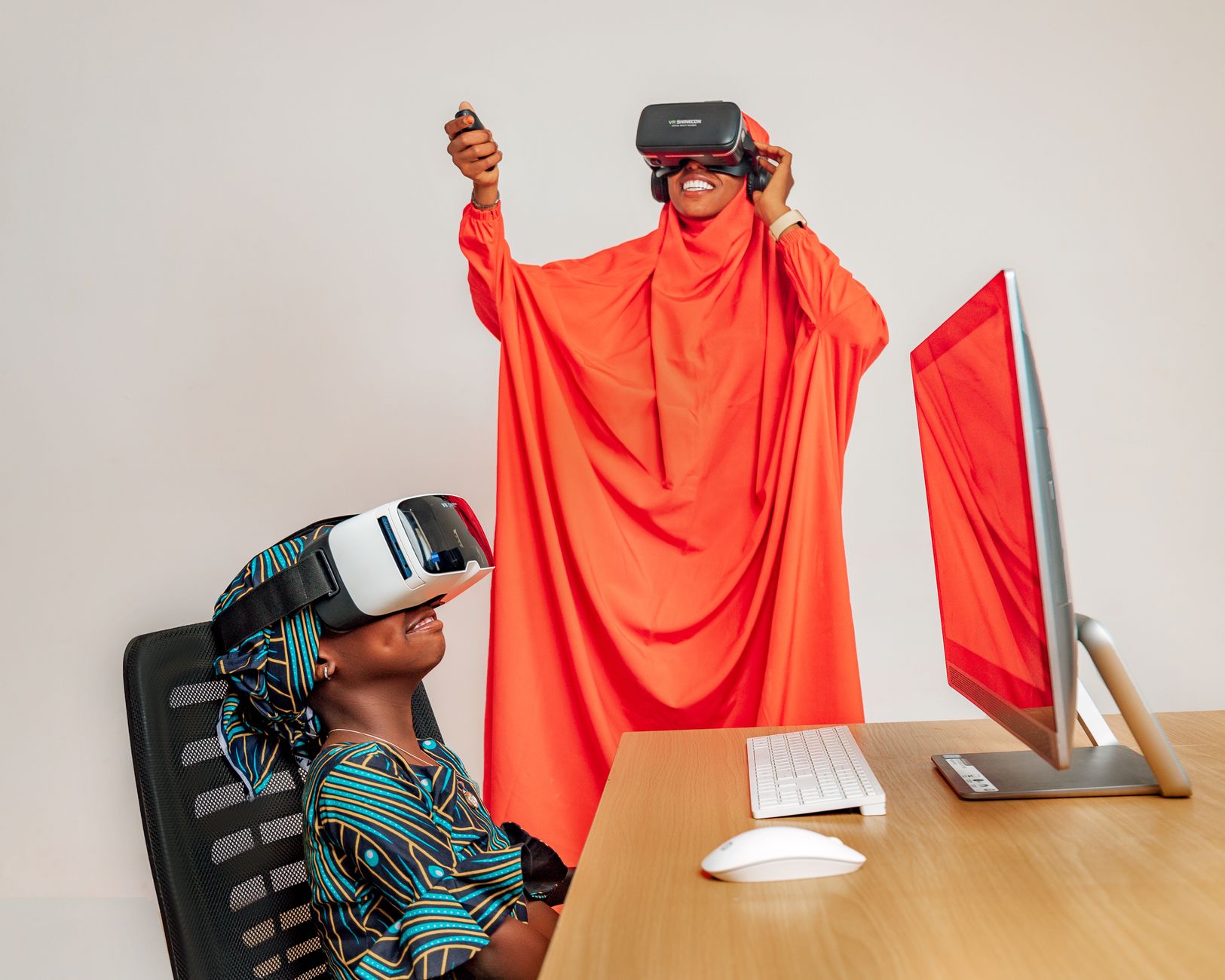
Photo by Mediahooch Pixels on Pexels
Where this came from
Related stories
Samsung Galaxy S27 Ultra: Best Features and Proven Specs · Gemini 4 Argon AI model: The Best Proven Upgrade Yet · One UI 9 update: Best features for Galaxy Z Fold 5 users